
Contents
Opening an FxPro account from the Kingdom takes about fifteen minutes, plus the time it takes FxPro to check your documents. Here are FxPro’s own steps, the Saudi documents that usually pass, and how to ask for a swap-free account before your first overnight trade.
Before you start
- Read whether forex trading is legal in Saudi Arabia: FxPro is not licensed by the Capital Market Authority.
- Have a photo ID and a recent proof of address ready, as clear photos or scans.
- Use an email address and a Saudi mobile number you will keep; FxPro sends codes and account details to them.
Step 1: Register
Open FxPro’s sign-up page and choose Saudi Arabia as your country of residence, then enter your email and a password you do not use anywhere else.
Step 2: Personal details and address
FxPro asks for your nationality, date of birth and mobile number (with +966), then your residential address. Type the address exactly as it appears on the document you will upload; your Saudi National Address (building number, street, district, postal code) is a good format to use.
Step 3: Work, finances and experience
As a regulated broker, FxPro asks about your occupation, income, savings and trading experience, then gives a short knowledge test. Answer honestly: the answers decide whether CFD trading is treated as appropriate for you. If you are judged not yet ready, start on a demo account.
Step 4: Your first trading account
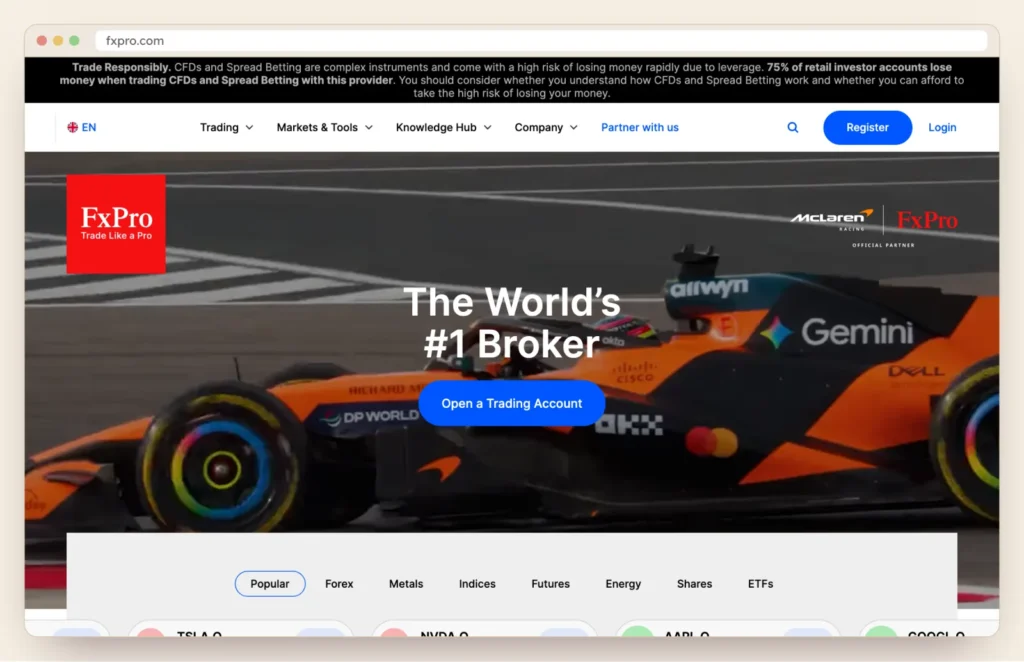
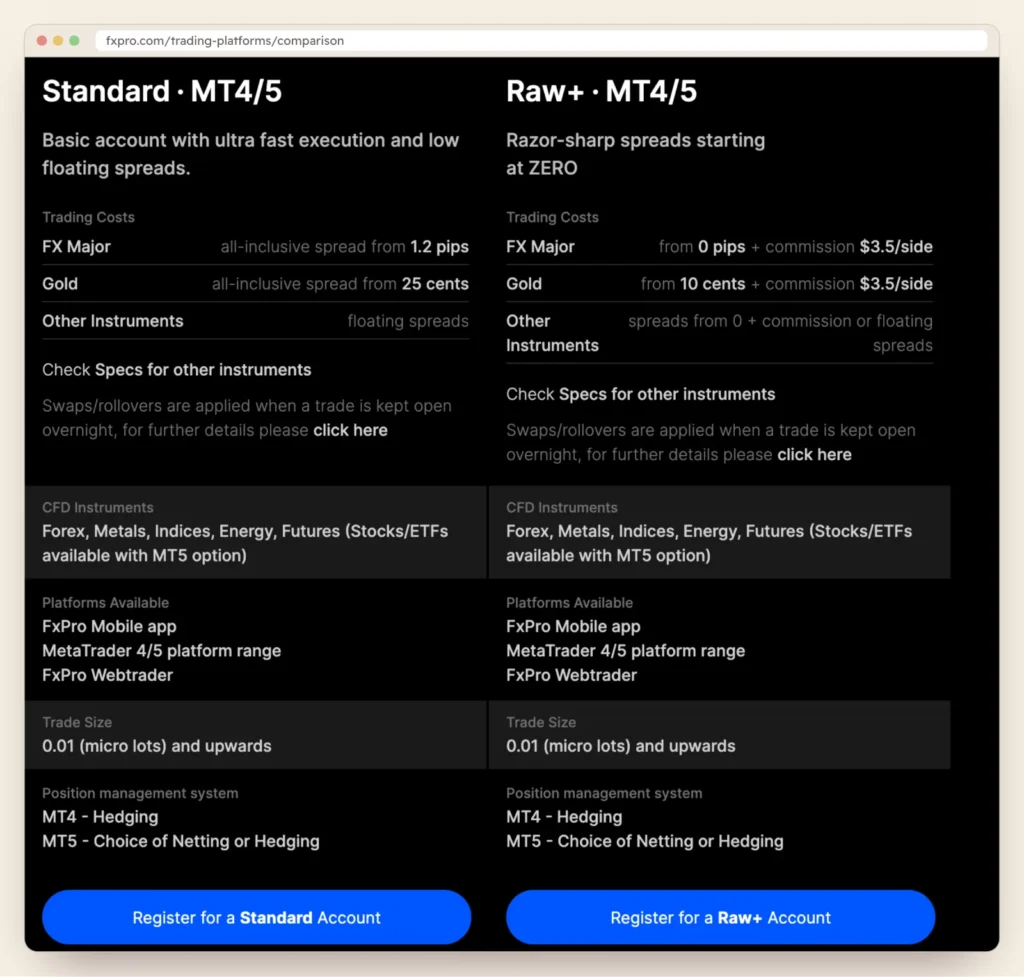
Pick a platform (FxPro app, MT4, MT5 or cTrader) and an account type. There is no riyal account; most Saudi residents choose US dollars, which the riyal is pegged to. Not sure which account? See raw versus standard spreads.
Step 5: Verify your identity and address
| Document | Saudi examples | Tips |
|---|---|---|
| Photo ID | Passport, Saudi national ID card, or iqama (resident permit) | Valid and in date; photograph both sides of a card |
| Proof of address | Bank statement, utility bill, or National Address registration document | Issued in the last six months, in your name, matching your profile |
Upload documents only in FxPro Direct or the FxPro app. Take the photos in daylight, flat on a table, with all four corners visible.
Step 6: Ask for a swap-free account
If you need an Islamic account, ask FxPro’s back office for swap-free status before you hold a position overnight, and ask for the fee terms in writing: FxPro says fees may apply once trades on certain instruments stay open for a set number of days. More in our Islamic account guide.
Step 7: Fund it, then start small
Deposits go into the FxPro Wallet first, and FxPro charges no deposit fee. Our deposit and withdrawal guide explains cards, wires and riyal conversion. Place a few trades on demo first, with the same platform.
Why applications stall
- The address typed in the profile does not match the document.
- The proof of address is older than six months, or in someone else’s name.
- Only one side of an ID card was uploaded, or the photo is blurred or cropped.
- A second profile was opened with the same details.
Sources
Checked in October 2026. Found something out of date? Tell us and we will fix it.